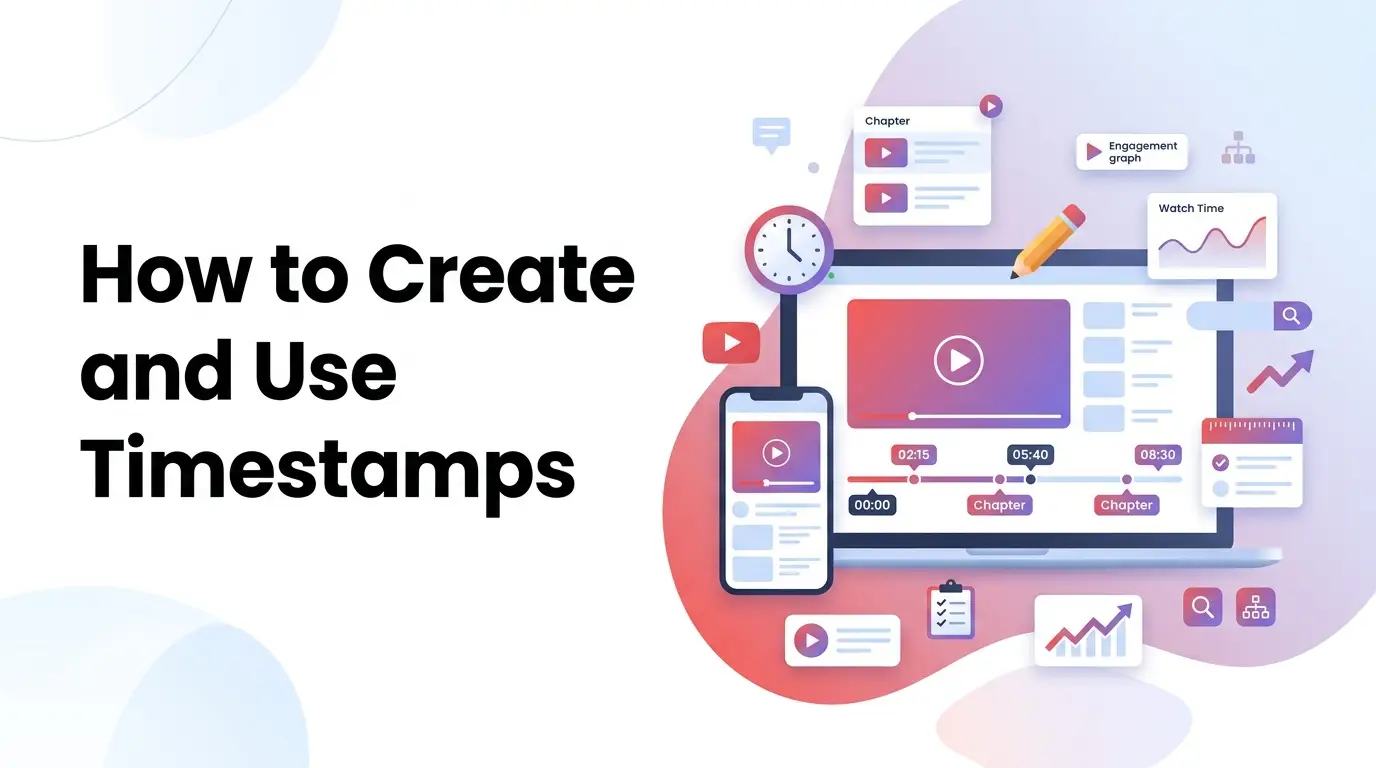
User attention spans are shorter than ever. When people click on a video tutorial or live stream, they want immediate answers. Rather than forcing them to scrub through a 30-minute timeline to find a specific tip, successful creators utilize timestamps to segment their content.
Segmenting your timeline into chapters improves user experience, drives audience retention, and unlocks search optimization benefits. By signaling video segments, you make your content easier to browse.
In this guide, we will analyze video description formatting, explore search indexing advantages, and show you how to structure sharing parameters.
[!TIP] Need to format your video description chapters or create a sharing link? Skip the manual calculations and use our free, interactive YouTube Timestamp Generator to instantly validate, sort, and build optimized timestamp metadata!
The Structural Value of Video Chapters
Dividing your video timeline into structured segments is one of the most effective ways to create youtube timestamps that drive results:
1. Retention Protection
If users click on a long tutorial and cannot find the specific solution they need, they will bounce. Providing clickable chapters lets them skip directly to the relevant segment, keeping them on the page.
2. Double Search Footprint
Google indexes YouTube video chapters as “Key Moments” directly on search results pages. When users search for a specific subtopic, your video can appear with a list of interactive segment links, doubling your screen real estate.
3. Captured Share Links
When viewers want to share a specific quote or segment, generating a deep link starting at that moment provides immediate context.
Formatting Video Description Chapters
To ensure YouTube’s player recognizes your timestamps and segments the play bar, you must follow strict formatting rules. A youtube timestamp generator helps you comply with these parameters:
The Core Formatting Rules:
- The 00:00 Start Rule: The first chapter in your list must start exactly at
00:00or0:00. Failing to include this anchor disables chapters. - Chronological Ordering: Every timestamp must be listed in ascending order.
- Minimum Segment Length: You must include at least three chapters, and each chapter must be at least 10 seconds long.
Formatted Example:
00:00 Introduction & Overview
01:30 Sourcing Products for Affiliate Marketing
04:15 Setting Up Your Shopify Store
07:45 Launching Paid Facebook Ads
10:10 Campaign Review & Outro
By ensuring your list complies with these guidelines, the player automatically splits the timeline. If you want to check your description formats before uploading, use our interactive youtube timestamp link generator utility to audit your text.
Deep-Linking: How to Share a Video at a Specific Second
When sharing tutorials, referencing a specific timestamp keeps communications concise. Rather than telling colleagues to “skip to minute 4”, using a youtube link timestamp generator constructs a link that plays from that exact second.
Depending on the URL format, YouTube uses different query parameters:
1. Standard Desktop URLs (youtube.com)
For standard desktop links, append the parameter &t=X (or &t=XhYmZs) where X is the time value:
- Base URL:
https://www.youtube.com/watch?v=dQw4w9WgXcQ - Timestamp Link (2 minutes, 30 seconds = 150s):
https://www.youtube.com/watch?v=dQw4w9WgXcQ&t=150s
2. Short Mobile Sharing URLs (youtu.be)
For short mobile links, append the parameter ?t=X where X is the total seconds:
- Base URL:
https://youtu.be/dQw4w9WgXcQ - Timestamp Link:
https://youtu.be/dQw4w9WgXcQ?t=150
Utilizing a youtube link with timestamp generator automates this URL parsing, ensuring that parameters match the target domain and play correctly across mobile apps and browsers.
Best Practices for Naming Chapter Titles
To maximize the SEO value of your description timestamps, follow these title guidelines:
- Integrate Search Queries: Use keywords that users search for. Instead of naming a chapter “Tip 1”, use “How to Calculate ROI”.
- Keep Titles Concise: Long titles will be cut off in the video player overlay. Keep titles under 30 characters.
- Avoid Overlap: Ensure each chapter title clearly describes the unique content of that segment.
By combining structured description chapters with optimized sharing links, you build a user-friendly channel. If you want to format description chapters or build deep links, use our share youtube video with timestamp tool to package your metadata.