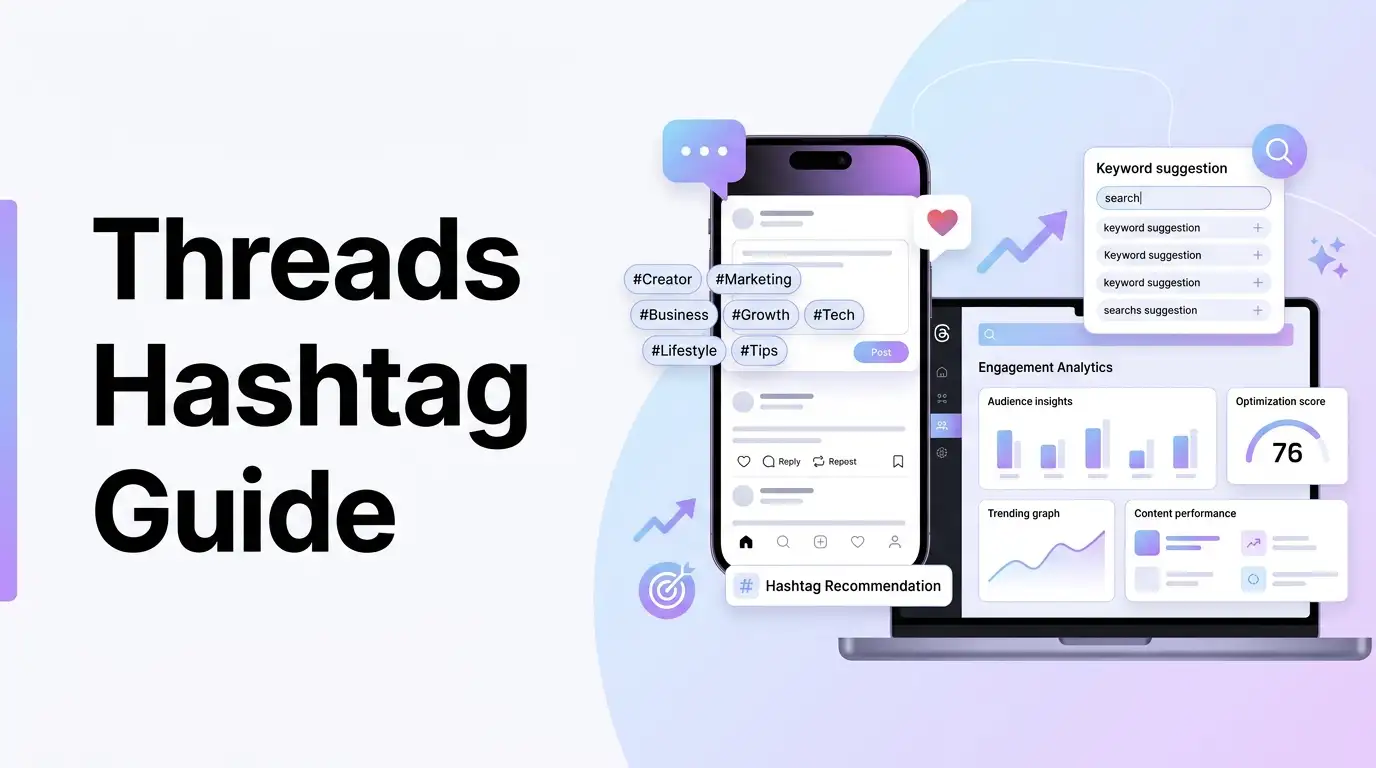
The arrival of Threads by Instagram has transformed how creators and brands engage in text-based conversations. As a companion to Instagram, Threads focuses on real-time discussions, sharing updates, and participating in public conversations.
Because Threads is growing rapidly, optimizing your discoverability is essential. Just like search engine optimization (SEO) helps your blog rank on Google, keyword and tag optimization helps your posts rank inside the Threads search feed.
By using highly relevant topic tags and structured keywords, you make it easy for the Threads algorithm to index and distribute your conversations to interested users.
In this guide, we will break down how to build a Threads hashtags strategy, audit character limits, and write post copies that rank.
[!TIP] Struggling to find trending conversation tags or want to preview posts in a live layout? Skip the manual research and optimize your social copies using our free, interactive Threads Hashtag Generator to instantly generate Threads-compliant tags and preview character budgets!
Why Topic Tags Are Essential on Threads
Threads has built search features that index conversations based on the words and tags included in posts.
- Conversational Discovery: Clickable topic tags group similar discussions together, making it easy for users searching for specific topics to find your post.
- Search Engine Authority: Using clear keywords helps your posts rank inside the Threads search results, drawing traffic to your profile long after you publish.
- Algorithmic Relevance: Categorized tags tell the Threads feed parser exactly what your conversation is about, helping it serve your post to users who engage with similar content.
How to Budget Your Threads Post Character Limit
Let’s look at how to allocate characters inside a single Threads post without getting cropped.
Post Character Allocation Budget:
- Recommended Tag Count: 1-3 target tags.
- Strict Character Limit: 500 characters.
Step 1: Draft the conversational hook
"What are your absolute favorite productivity hacks for staying focused during deep work sessions? Here is my daily rule: turn off notifications for the first 90 minutes of the morning."$\rightarrow$ 194 characters.- Keywords included:
"productivity hacks","deep work","focused".
Step 2: Add a call to action or question
"How do you manage distraction? Let's discuss in the thread below! 👇"$\rightarrow$ 74 characters.
Step 3: Append generated tags
"#productivity #focus #workplacehacks"$\rightarrow$ 37 characters.
Step 4: Calculate total characters
194 + 74 + 37 = 305 characters.
This post naturally integrates 3 high-value keyword tags within an engaging discussion topic. It uses 305 of the 500 characters available, leaving a safe buffer of 195 characters. This ensures the post displays fully on all mobile screens.
Using a threads hashtag generator or threads tag generator simplifies this process, suggesting tags based on your category and keyword niche.
5 Best Practices for Threads Tag Optimization
To maximize the reach of your Threads conversations, follow these strategy rules:
1. Focus on Conversational Keywords
Threads search prioritizes natural phrasing. Instead of using disjointed keywords, write posts that sound like real conversations. Use terms that people naturally type when discussing your niche.
2. Place Tags at the End of the Copy
Keep your main post body clean and readable by placing your hashtags at the very bottom, separated by a line break. This makes it easy for readers to focus on your message first before seeing the tags.
3. Maintain High Keyword Relevance
Only use tags that are directly related to your post. Using unrelated trending tags to gain cheap impressions can flag your account for spam, reducing your overall profile reach.
4. Create Threads for Longer Thoughts
If your post is approaching the 500-character limit, break it into a thread. Use the first post to set up the hook and place the most important keywords there to make the thread discoverable.
5. Pair Text with Visual Elements
Threads posts that include high-quality images or clean video clips often get higher engagement. Use your threads keyword tool to write a descriptive caption that supports the visual media.