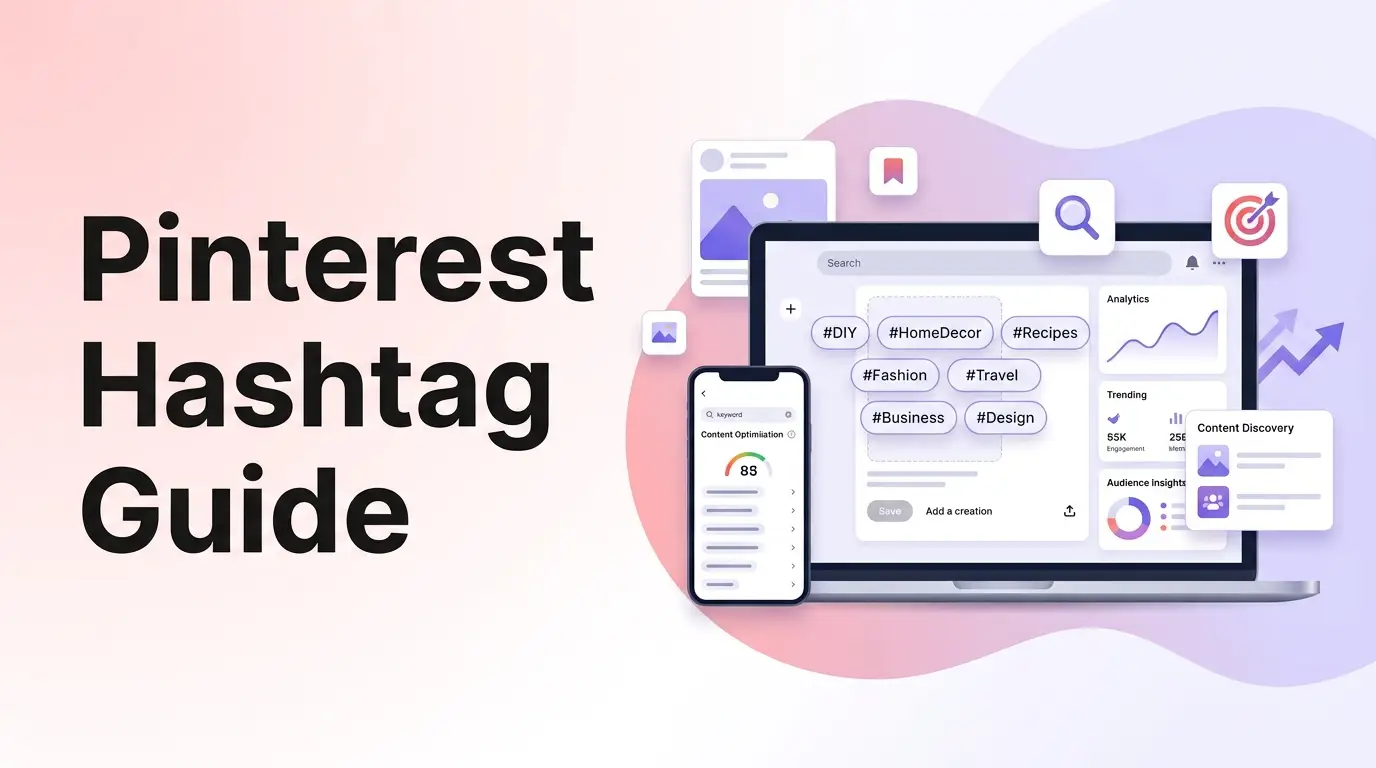
Pinterest is a visual discovery engine. Unlike traditional social networks where content is chronological or social-graph dependent, Pinterest acts as a search index.
Users search the platform to find inspiration, discover recipe ideas, look up DIY guides, and buy products.
Because it functions as a search engine, getting your Pins seen by millions of users requires a strong understanding of search engine optimization (SEO) and metadata design.
A well-optimized Pin, written with descriptive keywords and clean spacing, can rank in search results and drive consistent, long-term traffic to your blog or shop for years.
In this guide, we will break down how Pinterest’s search index operates, explore how to research keywords, and share strategies to format Pin descriptions for maximum reach.
[!TIP] Struggling to find trending keywords or need help formatting Pin descriptions? Skip the manual research and optimize your visual content using our free, interactive Pinterest Hashtag Generator to instantly generate Pinterest-compliant tags and preview descriptions in a live Pin layout!
Why Pinterest SEO Matters for E-commerce & Blog Traffic
Pinterest is unique because Pin links click directly through to external websites. This makes the platform one of the best sources of organic referral traffic online.
- Long Lifetime Value: While a tweet or Instagram post lasts for hours, a search-optimized Pin can continue to generate impressions and link clicks for years.
- High Buyer Intent: People use Pinterest to plan projects, weddings, and room designs. This means they are actively looking for solutions and products to purchase.
- Chronological Feed Integration: Fresh Pins that contain relevant hashtags are immediately indexed, giving new creators a chance to get seen without having a huge follower count.
The Anatomy of an Optimized Pin Description
Pinterest allows up to 500 characters in Pin descriptions, but only the first 30-50 characters appear on the main grid feed. To maximize conversions, structure your copy using these key elements:
1. The Keyword Hook (First Sentence)
Start with a strong, search-friendly sentence that explains exactly what the Pin is about. Use your primary target keyword immediately.
- Example: “Learn how to make a budget-friendly DIY blanket ladder for your living room.”
2. The Benefit Details (Body Paragraph)
Add more context. Explain the value the user gets when they click your link, incorporating related search terms.
- Example: “This easy woodworking tutorial takes under an hour and uses simple materials to build a rustic ladder display.”
3. The Clear Call to Action (CTA)
Directly instruct the viewer to click the link to see the full article or shop the product.
- Example: “Click through to read the full step-by-step DIY project blueprint!”
4. The Spaced Hashtags Block (Bottom)
Place 2 to 5 targeted tags at the very bottom of the description, separated by a newline to keep your paragraphs looking clean and readable.
How to Calculate Your Pin Description Character Budget
Let’s look at how to structure a Pin description under the recommended limit.
Description Copy:
“Get the best diy home decor ideas for your living room! This simple tutorial shows you how to build a budget-friendly wooden blanket ladder in under an hour. Click through to read the step-by-step woodworking project details! #diydecor #homediy #woodworking”
Step 1: Count base text characters
Measure the character length of the actual words:
"Get the best diy home decor ideas for your living room! This simple tutorial shows you how to build a budget-friendly wooden blanket ladder in under an hour. Click through to read the step-by-step woodworking project details!"$\rightarrow$ 240 characters.
Step 2: Add character weight for spacing and hashtags
Add characters for the space breaks and the 3 hashtags:
240 + 2 (newlines) + 33 (hashtags) = 275 characters.
This Pin description is under 300 characters, meaning it is concise, readable, contains a high density of target keywords, and leaves plenty of safety margin below the 500 character limit.
Using a pinterest tag generator or pinterest keyword tool helps automate these length limits and tag allocations.
5 Best Practices to Rank Your Pins in Search
To increase your impressions and climb the search rankings, implement these Pinterest SEO strategies:
1. Use the Search Bar for Keyword Research
Type your topic into the Pinterest search bar. The keywords that auto-populate below your query are what real users are searching for. Use these exact phrases in your Pin titles and descriptions.
2. Focus heavily on Board Titles and Descriptions
Pinterest categorizes your Pins based on the boards they are saved to. Make sure your board names are clear and descriptive (e.g. “DIY Home Decor”) instead of poetic or vague (“Cozy Vibes”).
3. Create Fresh Pins Regularly
Pinterest rewards creators who upload fresh, unique images. Instead of repinning the same image to multiple boards, design 2 or 3 different visual layouts for the same article or product link.
4. Use vertical aspect ratios (2:3 aspect ratio)
Pinterest is optimized for vertical images. Use a 2:3 aspect ratio (such as 1000px by 1500px) to ensure your Pin takes up maximum visual space on the home feed without getting cropped.
5. Keep Hashtags targeted and relevant
Only use hashtags that directly relate to the image and link topic. Broad, unrelated hashtags (like #trending) waste valuable character space and confuse the algorithm’s categorization.