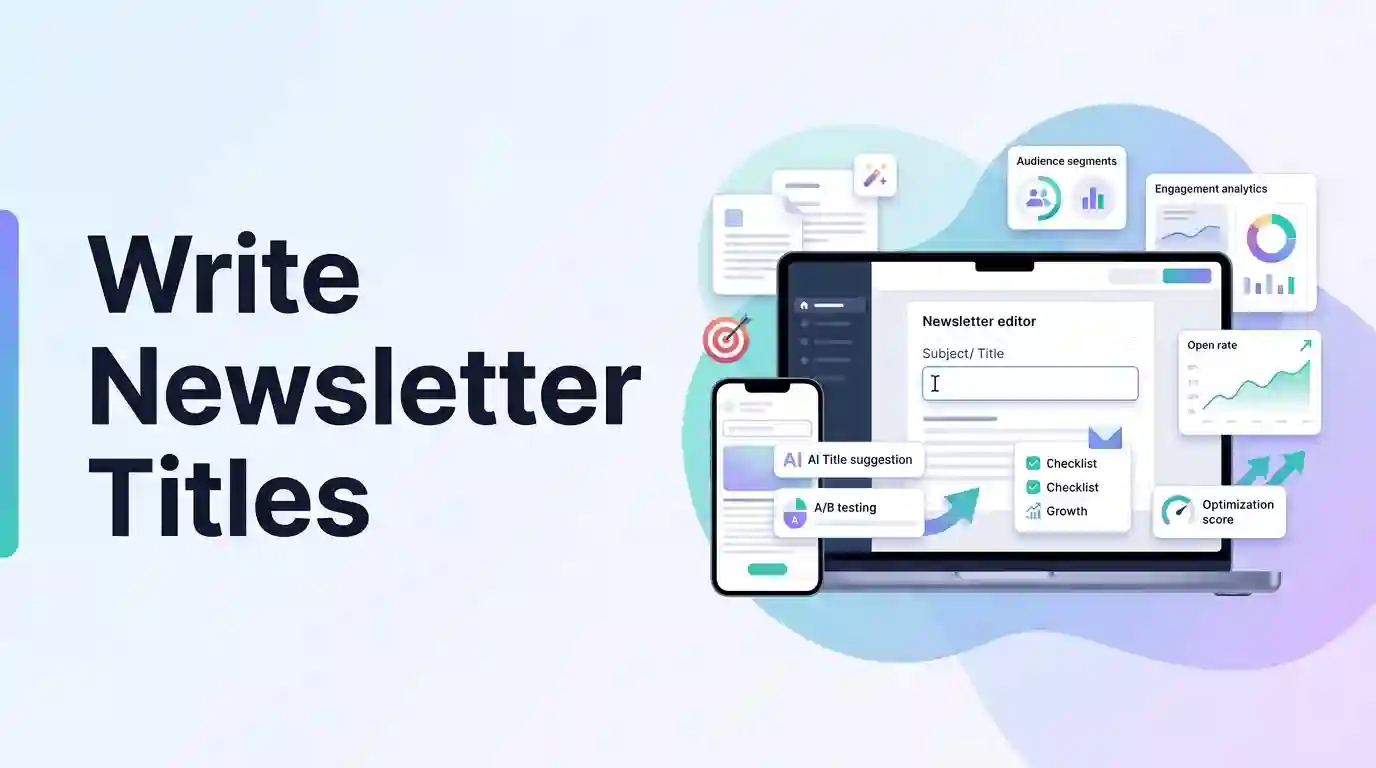
📧 Ready to audit your email subject lines in real-time? Try our free Newsletter Title Generator to craft high-open rate headers with personalization tags and emojis.
Introduction: The Battle for the Inbox
Imagine your subscriber’s email inbox as a crowded mailroom. Every morning, a stack of letters is dropped on their desk. Some envelopes are thick and colored, while others are standard white paper. Some envelopes have bold headings like “URGENT DETAILS INSIDE,” while others say “Hey, I thought you might like this.”
Which letters get opened first? Which ones get thrown directly in the trash without being opened?
In email marketing, your subject line is the envelope. It does not matter if the article inside your newsletter is the most valuable piece of writing your subscriber will read this week; if the subject line fails to hook them, they will never open it. With open rates across most industries hovering between 15% and 25%, writing catchy newsletter titles is the single most important factor for growing your publication. This guide covers subject line character limits, copywriting angles, personalization tags, and spam prevention.
The Anatomy of Email Subject Line Character Limits
While email service providers like Mailchimp or ConvertKit allow you to write long subject lines, email clients (like Gmail, Apple Mail, and Outlook) have strict limits on what they display to readers.
If your subject line is too long, the end of your sentence will be cut off and replaced with an ellipsis.
- Desktop Inboxes: Subject lines are cropped after approximately 60 to 70 characters.
- Mobile Devices: Subject lines are cropped after roughly 40 to 50 characters.
Since more than 50% of emails are opened on mobile devices, keeping your subject lines within a 50-60 character safe zone is critical. Placing your most engaging hook or primary benefit at the very beginning of the subject line ensures it is visible to readers scrolling on their phones.
Emojis and Personalization: Boosting Open Rates
Two of the most powerful tools for improving email click-through rates are emojis and personalization tags.
1. Personalization Tags (e.g., [First Name])
Addressing your subscriber by name (e.g. “John, check out this week’s AI guide”) makes the email feel personal. According to industry studies, personalized subject lines can increase open rates by up to 26%.
- Strategy: Place the personalization tag at the start of the title, followed by a comma and your main hook. Make sure your email service provider is configured to fall back to a generic greeting (like “friend”) if a subscriber’s first name is missing.
2. Emojis
Adding an emoji (like 🤖, 📈, or 💡) introduces visual contrast that helps your email stand out in a list of plain-text subject lines.
- Strategy: Limit yourself to one or two relevant emojis. Placing emojis at the end of the subject line keeps them from interfering with the mobile crop safe zone. Avoid using emojis like 💵 or 🎁 frequently, as spam filters can flag them.
Five Proven Copywriting Angles for Newsletter Titles
To keep your open rates consistently high, rotate between different copywriting angles:
1. The Educational / How-To Angle
These titles promise clear value, explaining exactly what the reader will learn or gain by opening the email.
- Example:
How to level up your workflow using AI tools 🤖 - Key keywords: how to, guide, hacks, workflow, checklist, learn.
2. The Curiosity Gap Angle
These titles highlight a specific question or mystery, making the reader feel curious enough to open the email to find the answer.
- Example:
The hidden secret behind AI tools revealed... 👀 - Key keywords: secret, hidden, truth, why, what happens.
3. The Scarcity / Urgency Angle
These titles leverage the fear of missing out (FOMO) by setting a strict deadline or warning.
- Example:
Only 24 hours left: Get our complete checklist ⏳ - Key keywords: hours left, urgent, deadline, closing, last chance.
4. The Direct / Update Angle
These titles are clear, honest, and straightforward, telling the reader exactly what is inside.
- Example:
Weekly Update: What is new with AI tools - Key keywords: update, news, announcement, case study, review.
5. The Question Angle
These titles ask an open-ended question that prompts the reader to reflect on their own habits or needs.
- Example:
Are you using the right tools for your business? 🤔 - Key keywords: are you, should you, how do you, who is.
Five Golden Rules for Writing Catchy Newsletter Titles
To write high-CTR subject lines consistently, follow these five golden rules:
Rule 1: Put the Value First
Always place your core benefit or topic in the first 40 characters of your subject line. If the title gets cropped on a mobile screen, the subscriber should still understand what they stand to gain.
Rule 2: Keep It Between 50 and 60 Characters
Auditing your character count ensures your titles look clean and readable across all devices. Save secondary details for the email preview snippet text.
Rule 3: Avoid Spam Trigger Words
Spam filters analyze subject lines for words like “FREE,” “BUY NOW,” “GUARENTEED,” or excessive capital letters and exclamation marks. Keep your language natural and professional to ensure your emails land in the primary inbox.
Rule 4: Match the Subject Line to the Content
Never use misleading clickbait titles to boost open rates. If your subject line promises a free checklist and the email only contains a sales pitch, you will lose subscriber trust and see an increase in unsubscribe rates.
Rule 5: Test and Iterate
Use A/B testing features in your email software to send two different subject lines to a small portion of your list. Send the winning subject line to the rest of your audience to maximize your campaign results.
Conclusion: Review, Optimize, and Send
Your newsletter subject line is the key to unlocking your email marketing growth. By keeping your titles concise, leveraging emojis and personalization tags, and choosing the right copywriting angles, you can significantly improve your open rates and build a more engaged audience.
Before sending your next email broadcast, use our free generator to draft subject lines and preview how they display in our interactive mobile email inbox mockup. Find the perfect hook to connect with your subscribers!