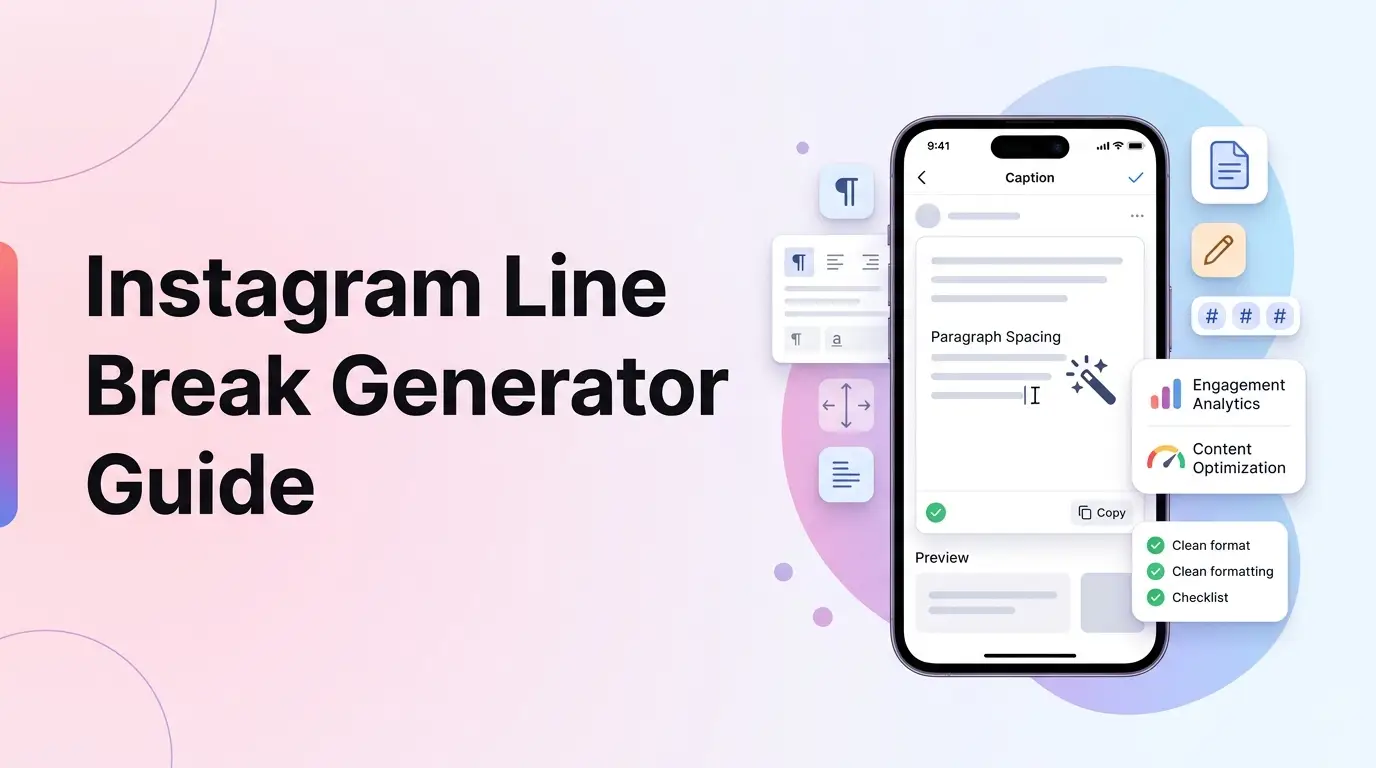
Writing a great description for your Instagram post is essential to communicate with your followers and encourage them to interact. However, if your caption is just a massive block of text, most users will scroll past it without reading.
Breaking your text into clean, readable paragraphs with clear line breaks makes a huge difference in readability.
Unfortunately, anyone who has tried to format a caption directly inside the Instagram app knows how frustrating it is.
Instagram’s system frequently collapses consecutive line breaks, turning your formatted list or spacing into a single cramped paragraph.
In this guide, we will break down why Instagram removes caption spaces, review how Unicode characters solve this issue, and share layout tips to make your posts look highly professional.
[!TIP] Struggling to get your line breaks to stay intact or tired of using ugly dots? Skip the manual formatting and clean up your posts using our free, interactive Instagram Line Break Generator to instantly format captions with invisible spacers and preview how they look on mobile feeds!
Why Spacing Matters for Feed Captions
An aesthetic, well-spaced caption is key to keeping viewers engaged with your post. When a user stops to read a caption, it increases the time they spend on your post, which sends positive signals to the Instagram algorithm.
- Scannability: Breaking text into groups of 2-3 sentences makes your post easy to read on mobile.
- Clear Call to Actions: Placing your question or link CTA in its own section, separated by space, significantly boosts response rates.
- Aesthetic Presentation: Clean layouts look premium and fit well with professional brand profiles.
Understanding Instagram’s Line Break Limitation
Historically, Instagram collapsed all line breaks because mobile screens are small, and long blocks of text take up too much vertical space in the home feed. To force line breaks, creators had to use visible separators:
- Dots and Periods (
.): Adding a single dot on empty lines. - Emojis (
✨): Placing symbols to mark line endings. - Dash symbols (
-): Using hyphens to build dividers.
While these methods keep paragraph separations, they look cluttered and unprofessional.
The modern solution is using an instagram space generator that replaces empty lines with an invisible Unicode character (such as the Braille pattern blank U+2800).
The Technical Solution: The Invisible Braille Space
The Braille pattern blank space (⠀) is a special Unicode character that represents an empty Braille cell.
Unlike a standard space character created with your spacebar, the Braille blank is recognized as an actual alphanumeric character by app parsers.
When you insert a Braille spacer on an empty line, Instagram sees a line containing a character and preserves the line break instead of collapsing it.
Step-by-Step Example of a Spaced Caption
Let’s look at how to format a caption with invisible spacers.
Raw Caption Input:
“Stop using dots for spacing!
Invisible spacer characters are added.”
Step 1: Count text characters
Calculate the character length of the actual words:
"Stop using dots for spacing! Invisible spacer characters are added."$\rightarrow$ 66 characters.
Step 2: Inject the invisible spacer U+2800 on the empty line
Add the invisible Braille blank character to the middle line break:
66 + 1 (Braille symbol) = 67 characters.
This formatted caption will display on the Instagram feed with a clean, empty line separating the two sentences, without any visible dots or dashes, keeping the layout clean and highly readable.
Using an instagram caption spacer or clean instagram line breaks tool automates this conversion instantly.
5 Best Practices for Instagram Caption Layouts
To design captions that drive high engagement, follow these formatting guidelines:
1. Place the Hook in the First 125 Characters
Instagram truncates captions after 125 characters on the mobile feed, hiding the rest behind a “… more” link. Place your most exciting hook sentence at the very beginning so it is visible immediately.
2. Group Emojis at the End of Paragraphs
Use emojis to add visual interest, but place them at the end of text blocks or list items rather than in the middle of sentences, which can disrupt reading flow.
3. Keep Hashtag Blocks Separated
Use the line break generator to place your hashtag block 2-3 lines below your main caption text. This keeps your post clean and prevents hashtags from distracting readers from your call to action.
4. Limit Hashtags to 3-5 Relevant Tags
Although Instagram allows up to 30 hashtags, niche-focused tags (3 to 5) perform better under modern algorithm updates.
5. Format Lists with Bullet Points
If you are sharing steps, recipes, or tips, format them as lists using clean bullet points (like • or emojis) separated by line breaks.