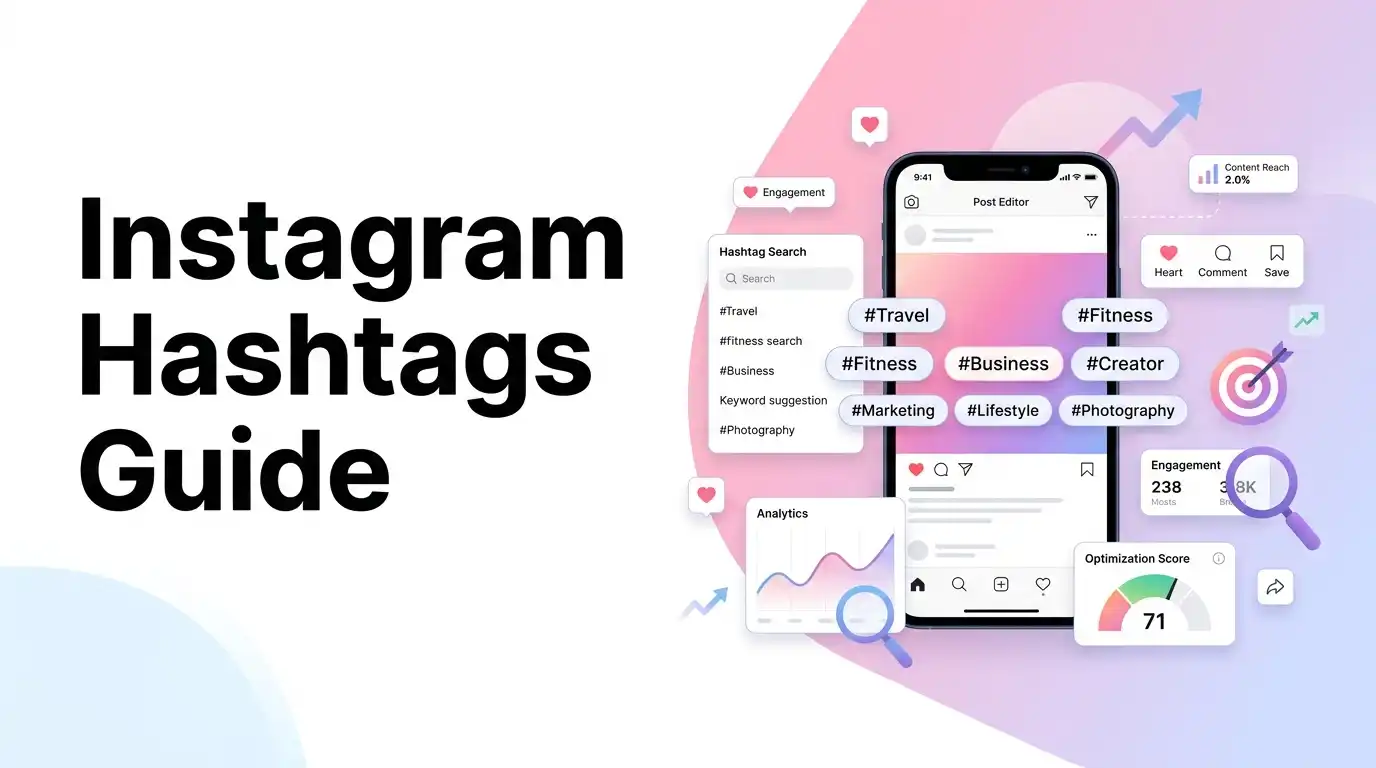
If you have spent any time trying to grow an Instagram account, you know the feeling. You finish editing a Reel or polishing a photo, and then the panic sets in. What hashtags should you use? How many is too many?
For years, the standard advice was simple: paste a block of 30 hashtags at the bottom of your caption to maximize your reach. It looked cluttered and spammy, but creators did it because they were afraid of missing out on views.
Recently, Instagram changed the rules, reducing the hashtag limit from 30 to only 5 hashtags per post or Reel.
When the news first broke, many creators worried their reach would drop. But after testing the new rules, this change is actually a relief. It forces us to stop copying and pasting generic tag blocks and focus on high-relevance topics instead.
In this guide, we will share our experience with the new 5-hashtag system, explain how Instagram’s search engine indexes your content, and show you how to audit your captions.
[!TIP] Drafting your next post caption? Skip the manual counting and check your metadata using our free, interactive Instagram Hashtag Counter to instantly extract hashtags, find duplicates, and verify character and tag limits!
My Journey with the Hashtag Limit Shift
When I first started posting content online, I kept a spreadsheet of 150 hashtags categorized by niche. Every time I posted, I would copy a block of 30 tags and paste it below my caption.
It felt like a chore. The caption looked messy, and sometimes I would miscount, exceed the limit, and watch in frustration as Instagram posted my Reel with no caption text at all.
When Instagram introduced the new instagram hashtag limit of 5, I decided to test it. I stopped using generic tags like #explorepage or #viral and picked 5 specific tags that described exactly what my video was about.
The results were eye-opening:
- My captions looked much cleaner and easier to read.
- My posts started ranking higher in search results for specific keywords.
- The time I spent writing captions dropped significantly.
This change is a win for creators. It cleans up our captions and helps us focus on what really matters: creating good content.
How the Algorithm Indexes Your 5 Hashtags
To get the most out of your 5 tags, you must understand how Instagram’s search engine reads your posts.
Instagram uses machine learning to scan your video frames, audio tracks, display name, caption text, and hashtags. Because the system now indexes only 5 hashtags, each tag carries more weight.
Think of hashtags like folder labels in a filing cabinet:
- If you label a folder with 30 different tags (e.g.,
#marketing,#funny,#dog,#cooking), the system struggles to categorize it. - If you label it with 4 specific tags (e.g.,
#homecooking,#pastarecipe,#easycooking,#dinnerideas), the system knows exactly who to show your video to.
By keeping your hashtag counts focused, you help the algorithm distribute your content to the right audience.
The 5-Hashtag Portfolio: How to Select Your Tags
With only 5 slots available, you must choose your tags strategically. Here is the framework I use for my posts:
1. Broad Niche Tag (1 Slot)
A tag that defines your overall content category (e.g., #cooking, #marketing, #photography). This establishes the general folder for your post.
2. Specific Sub-Niche Tags (2 Slots)
Tags that describe your specific sub-topic (e.g., #pastarecipe, #linkedinheadlinetips, #portraitphotography). These help you target a more specific audience.
3. Target Audience Tag (1 Slot)
A tag that describes who your content is for (e.g., #homecooks, #socialmediamanagers, #beginnerphotographers).
4. Custom Brand Tag (1 Slot)
Your unique business or channel tag (e.g., #creatorsfeel, #yourbrandname). This collects all of your content in one searchable feed.
How to Count Instagram Hashtags Manually
If you are drafting a caption on your phone, learning how to count instagram hashtags manually helps you avoid formatting issues. Let’s walk through a simple example.
Caption Draft Example:
“Sharing my favorite morning coffee routine! ☕ #coffee #coffeelover #morningroutine #coffee #espresso”
Step 1: Extract the Hashtags
Scan your text and write down every word starting with the # symbol:
#coffee#coffeelover#morningroutine#coffee#espresso
Step 2: Remove Duplicates
Notice that #coffee appears twice. Repeating the same tag wastes space within your new 5-tag limit. Remove the duplicate to find your unique list:
#coffee#coffeelover#morningroutine#espresso
Step 3: Check Against the 5-Tag Limit
Your caption has 4 unique hashtags. This is within the new limit of 5 and will post successfully.
To save time and strip duplicate tags automatically, use our free instagram hashtag counter to audit your captions before publishing.
Actionable Tips for Better Caption Layouts
To make your posts easy to read and understand, keep these formatting guidelines in mind:
- Separate Tags from the Main Story: Put your hashtags at the very bottom of your caption to keep your main message easy to read.
- Avoid Generic Tags: Skip broad tags like
#reelsor#instagram. They move too fast for your post to stand out. Focus on specific tags relevant to your audience instead. - Write Clean Captions: Focus on writing a compelling hook in your first sentence to encourage users to click “more” and read your full caption.