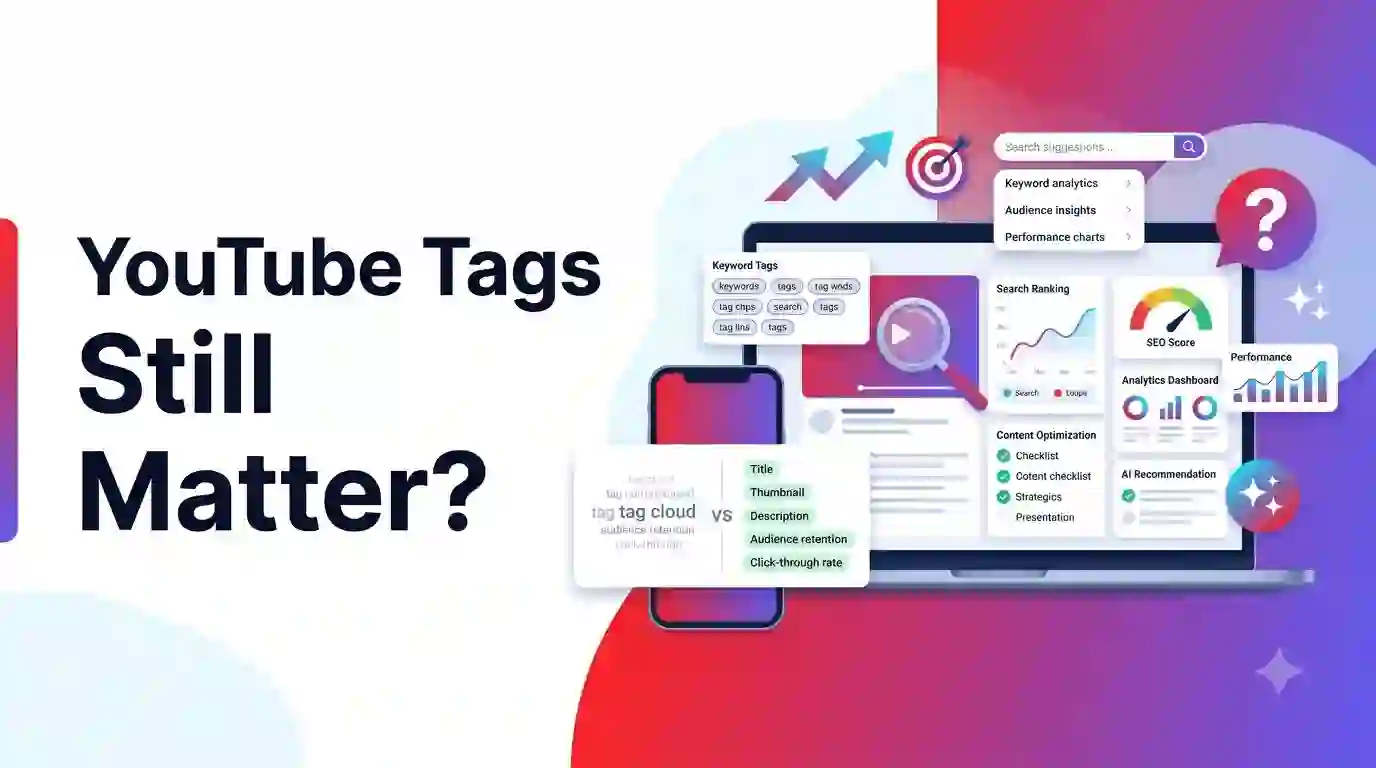
If you spent any time learning YouTube growth back in 2015, you probably remember spending hours researching tags.
Creators used to fill all 500 characters of the tag box with dozens of keyword variations. We believed that finding the right secret tags was the magic key to ranking on page one of YouTube search.
However, YouTube’s algorithm has evolved dramatically over the past decade.
In my experience working with YouTube creators and analyzing channel performance, one question comes up constantly: Do YouTube tags still matter today?
The short answer is no, YouTube tags play a very minor role in video discovery.
In this complete guide, we will break down what YouTube officially says about video tags, how YouTube’s search and recommendation system actually indexes videos in 2026, and where you should focus your YouTube SEO efforts instead.
Key Takeaways
- Minimal Impact: YouTube officially states that tags play a very small role in video discovery.
- Primary Use Case: Tags are mostly helpful when your video topic or brand name is commonly misspelled.
- Better Ranking Drivers: Titles, thumbnails, descriptions, click-through rates (CTR), and watch time retention drive 95%+ of video distribution.
- Avoid Tag Stuffing: Adding lists of tags inside your video description violates YouTube’s anti-spam policies and can hurt your channel.
Table of Contents
- What Are YouTube Tags?
- Do YouTube Tags Still Matter in 2026?
- What YouTube Officially Says About Tags
- How YouTube Search Understands Videos Today
- Title vs. Description vs. Tags (Comparison Table)
- When YouTube Tags Are Actually Useful
- Best Practices for Using YouTube Tags
- Common YouTube Tag Mistakes to Avoid
- Should You Copy Competitors’ Tags?
- Are YouTube Tag Generators Worth Using?
- Where to Focus Your YouTube SEO Efforts Instead
- The Complete YouTube SEO Checklist for Creators
- Frequently Asked Questions (FAQs)
- Final Thoughts
1. What Are YouTube Tags?
YouTube tags are descriptive keywords you can add to your video metadata during the upload process in YouTube Studio.
In the early days of YouTube, search engines struggled to understand video content directly. YouTube relied heavily on text metadata—like titles, descriptions, and tags—to figure out what a video was about.
Creators used tags to tell the algorithm: “This video is about video editing, Premiere Pro tutorials, and color grading.”
While the tag box still exists in YouTube Studio today, its importance has shrunk significantly.
2. Do YouTube Tags Still Matter in 2026?
To give you a direct answer: YouTube tags matter very little for video ranking and distribution.
If you publish a video with zero tags, it can still gain millions of views and rank #1 in YouTube search.
Conversely, if you publish a video with 500 characters of “perfect” tags, but your thumbnail is boring and your video retention is low, YouTube will stop recommending your video almost immediately.
In my experience analyzing creator channels, tags contribute less than 2% to a video’s overall search and recommendation performance.
3. What YouTube Officially Says About Tags
You don’t have to take my word for it. YouTube explicitly tells creators how little tags matter right inside YouTube Studio.
When you scroll down to the tags section in YouTube Studio, YouTube displays a clear disclaimer:
“Tags can be useful if the content of your video is commonly misspelled. Otherwise, tags play a minimal role in your video’s discovery.”
+-------------------------------------------------------------------+
|               WHAT YOUTUBE OFFICIALLY SAYS ABOUT TAGS              |
+-------------------------------------------------------------------+
| Official YouTube Help Center Statement:                           |
|                                                                   |
| "Your video's title, thumbnail, and description are much more    |
| important pieces of metadata for your video's discovery. These    |
| main pieces of info help viewers decide which video to watch."   |
+-------------------------------------------------------------------+
YouTube’s official guidance confirms what top creators have known for years: Focus your energy on titles, thumbnails, and descriptions—not tag boxes.
4. How YouTube Search Understands Videos Today
Why did tags lose their power? Because YouTube’s artificial intelligence and machine learning algorithms became incredibly smart at analyzing video content directly.
Today, YouTube understands your video using four primary methods:
1. Automatic Audio Transcription
YouTube converts your spoken audio into text automatically. The algorithm reads every word you say in your video. If you say your main keywords out loud in your video intro, YouTube indexes those keywords instantly.
2. Computer Vision & Visual Recognition
YouTube’s visual AI scans video frames. It can recognize objects, text on screen, faces, locations, and actions without relying on written metadata.
3. Closed Captions (.SRT files)
Custom closed captions provide clean, accurate text transcripts that YouTube uses to index your video for search queries across multiple languages.
4. Audience Behavior & Watch Signals
The algorithm observes how viewers interact with your video. If people who search for “best cameras for beginners” click your video and watch for 8 minutes, YouTube ranks your video higher for that search intent.
5. Title vs. Description vs. Tags (Comparison Table)
To help you prioritize your YouTube metadata optimization, here is a comparison of how different elements affect your video discoverability:
+----------------------------------------------------------------------------------------------------+
|                                YOUTUBE METADATA IMPORTANCE MATRIX                                  |
+-------------------+--------------------+------------------------+----------------------------------+
| Metadata Element  | SEO & Search Impact| CTR & Click Impact     | Primary Purpose                  |
+-------------------+--------------------+------------------------+----------------------------------+
| Thumbnail         | Low                | EXTREMELY HIGH (80%)   | Grabs attention, drives clicks   |
+-------------------+--------------------+------------------------+----------------------------------+
| Video Title       | EXTREMELY HIGH     | HIGH (20%)             | Matches search intent & hook     |
+-------------------+--------------------+------------------------+----------------------------------+
| First 3 Lines of  | HIGH               | MEDIUM                 | Provides search context & links  |
| Description       |                    |                        |                                  |
+-------------------+--------------------+------------------------+----------------------------------+
| Video Chapters    | MEDIUM             | LOW                    | Key moments & Google Search Index|
+-------------------+--------------------+------------------------+----------------------------------+
| Video Tags        | VERY LOW (<2%)     | NONE (0%)              | Handles misspellings & acronyms  |
+----------------------------------------------------------------------------------------------------+
6. When YouTube Tags Are Actually Useful
While tags play a minor role, they are not completely useless. There are three specific scenarios where adding tags makes sense:
1. Commonly Misspelled Words
If your brand name, product name, or video topic is easy to misspell, add common spelling errors as tags.
- Example: If your channel is about
Gimbalstabilization, add tags likeginbal,gimble, andgimbal tutorial.
2. Acronyms & Abbreviations
If your video covers a topic known by both an acronym and a full name, use tags to cover both variations.
- Example:
DIYandDo It Yourself, orSEOandSearch Engine Optimization.
3. Ambiguous Brand Names or Topics
If your topic shares a name with something completely unrelated, tags help clarify the context.
- Example: A video about the animal
Jaguarversus the car brandJaguar.
7. Best Practices for Using YouTube Tags
If you choose to add tags to your videos, follow these four clean practices:
- Put Your Target Keyword First: Make your very first tag your exact primary keyword.
- Include 5 to 15 Relevant Tags: You do not need to fill all 500 characters. 5 to 15 focused tags are plenty.
- Mix Specific & Broad Tags: Include specific tags (
Sony A6400 settings) and broader category tags (camera tutorial). - Keep Tags Truthful: Only use tags that accurately describe what happens inside your video.
8. Common YouTube Tag Mistakes to Avoid
Avoid these frequent metadata traps that can harm your channel:
- Tag Stuffing in the Description: Writing lists of tags at the bottom of your description violates YouTube’s anti-spam policy. It can result in video removal or channel strikes.
- Using Irrelevant Popular Tags: Adding trending tags (like
MrBeastorPewDiePie) when your video is about cooking will confuse the algorithm and turn off viewers. - Overthinking Tag Research: Spending an hour researching tags while rushing your thumbnail design is a massive mistake. Spend 90% of your optimization time on your thumbnail and title.
9. Should You Copy Competitors’ Tags?
Many new creators use browser extensions to inspect top-ranking competitor videos and copy their exact tags.
In my experience, copying competitor tags does almost nothing to boost your rankings.
A competitor’s video ranks high because of their Click-Through Rate (CTR), Audience Retention, and Channel Authority—not because of their hidden tags.
Instead of copying tags, analyze your competitors’:
- Thumbnail visual composition and color contrasts.
- Title structure and emotional hooks.
- First 30 seconds of their video script (the video hook).
10. Are YouTube Tag Generators Worth Using?
Tag generator tools automatically create lists of keyword tags based on your main topic.
Are they worth using? Yes, but only to save time. Using a tag generator to paste 8 to 10 quick tags in 5 seconds is fine. However, do not expect a tag generator to magically increase your video views.
Tools that help you find Search Keywords for your titles and descriptions provide far more value than simple tag generators.
11. Where to Focus Your YouTube SEO Efforts Instead
If YouTube tags don’t drive views, what actually works? Focus on these five critical ranking drivers:
1. Click-Through Rate (Thumbnail + Title)
Your thumbnail and title work together as a team. If 100 people see your video on their Home feed and 10 click, your CTR is 10%. High CTR signals strong viewer interest to YouTube.
2. First 30-Second Retention Hook
The first 30 seconds of your video determine whether a viewer stays or leaves. Deliver on the promise of your thumbnail immediately without long, boring intros.
3. Keyword-Rich Title
Place your primary keyword naturally inside your video title. Make sure the title sounds natural to humans while remaining searchable.
4. Descriptive First 3 Lines of Description
Write a clear, 2 to 3-sentence summary at the top of your description. Include your primary and secondary keywords naturally.
5. Video Chapters & Timestamps
Adding timestamps (0:00 Intro, 1:30 Step 1) creates video chapters. Google Search indexes these chapters directly in web search results, giving your video extra organic traffic.
12. The Complete YouTube SEO Checklist for Creators
Use this quick step-by-step checklist before hitting publish on your next video:
+-------------------------------------------------------------------+
|                  ULTIMATE YOUTUBE SEO CHECKLIST                   |
+---------------------+---------------------------------------------+
| 1. High-CTR         | • Designed clear thumbnail visible on mobile|
|    Thumbnail        | • Used contrasting colors and 3-4 words max |
+---------------------+---------------------------------------------+
| 2. Searchable       | • Primary keyword included naturally        |
|    Title            | • Kept under 60 characters to avoid cut-off |
+---------------------+---------------------------------------------+
| 3. Description      | • Included primary keyword in first 2 lines |
|    Optimization     | • Added relevant links & timestamps         |
+---------------------+---------------------------------------------+
| 4. Spoken Keywords  | • Said target keyword out loud in intro     |
|    in Audio         | • Added clean closed captions (.SRT file)   |
+---------------------+---------------------------------------------+
| 5. Basic Tags       | • Added 5–10 relevant tags                  |
|                     | • Included common misspellings/acronyms     |
+---------------------+---------------------------------------------+
13. Frequently Asked Questions (FAQs)
Do YouTube tags still matter for video rankings?
YouTube tags play a very minor role in video rankings today. YouTube’s recommendation system focuses primarily on titles, thumbnails, descriptions, and audience retention metrics.
What does YouTube officially say about video tags?
YouTube’s official documentation states that tags play a minimal role in video discovery and are primarily useful if the content of your video is commonly misspelled.
Can using too many YouTube tags hurt your video?
Yes. Adding irrelevant tags or stuffing your description with tags violates YouTube’s spam policies and can result in your video being demoted or removed.
What is more important: YouTube Title or YouTube Tags?
Your YouTube title is vastly more important than tags. Titles tell both viewers and the search algorithm what your video is about and drive click-through rates (CTR).
Should I copy tags from top-performing competitor videos?
Copying tags blindly is generally a waste of time. Instead, study your competitors’ video titles, thumbnail designs, content hooks, and overall video structure.
How many tags should you put on a YouTube video?
While YouTube allows up to 500 characters, using 5 to 15 targeted, highly relevant tags that cover common misspellings or variations is more than enough.
Do YouTube tag generators actually work?
Tag generators can help you brainstorm variations and misspellings quickly, but they will not magically boost your video rankings without good content and strong titles.
How does YouTube index video content without tags?
YouTube uses advanced AI speech-to-text transcriptions, visual frame analysis, closed captions, and title/description metadata to categorize video content.
Does YouTube check tags in video descriptions?
Putting lists of tags in your video description (tag stuffing) is against YouTube’s terms of service and can lead to policy strikes on your channel.
What are the most important ranking factors on YouTube?
The top ranking factors are Click-Through Rate (CTR), Audience Retention (watch time), Viewer Satisfaction (likes, shares, surveys), and Title/Thumbnail relevance.
14. Final Thoughts
YouTube tags are no longer the secret growth hack they were ten years ago.
While adding a few relevant tags for misspellings takes only a few seconds, you should never waste hours worrying about tag optimization.
Invest your time where it truly counts: creating high-CTR thumbnails, writing compelling titles, structuring strong video hooks, and delivering immense value to your viewers.
Helpful Creator Tools & Guides on CreatorsFeel.com
Explore these free creator tools and guides on CreatorsFeel.com to optimize your YouTube strategy:
Recommended Blog Posts
- YouTube Tag Generator & SEO Guide - Learn how to generate and organize video tags efficiently.
- YouTube Keyword Generator Guide - Discover high-volume search keywords for video titles and descriptions.
- YouTube Keyword Density Checker Guide - Optimize your video description copy without keyword stuffing.
- How Much YouTube Pays for 1 Million Views - Complete breakdown of AdSense RPMs across niches and countries.
- YouTube CPM & RPM Calculator Guide - Understand advertiser bidding and net creator payouts.
Free Creator Tools
- YouTube Tag Generator - Quickly generate relevant tags and misspellings for video uploads.
- YouTube Keyword Generator - Find high-volume search topics and long-tail keywords.
- YouTube Keyword Density Checker - Analyze description keyword frequency for optimal SEO.
- YouTube Title Length Checker - Test title lengths to ensure full visibility on mobile devices.
- YouTube Clickbait & Title Generator - Generate high-CTR video title ideas for your channel.